Smart Bulbs

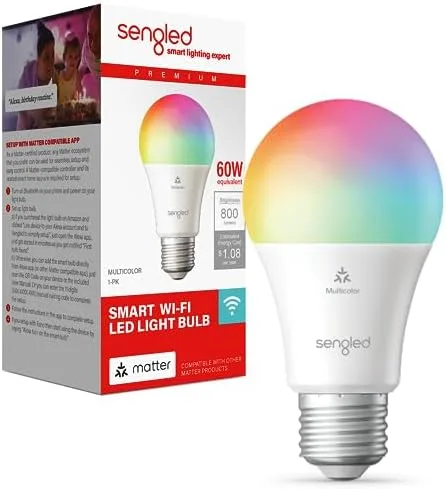
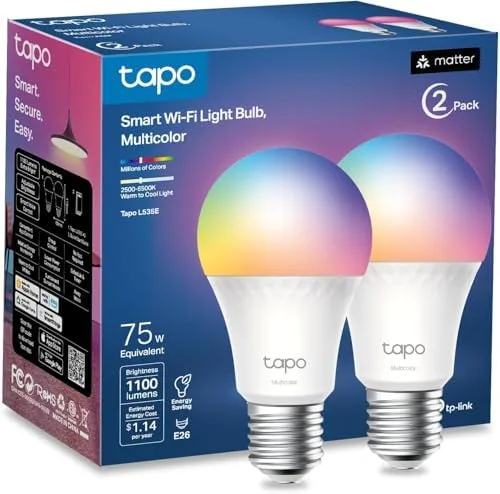
Check which platforms each smart bulb supports, how it connects, and what its source says about brightness and color.

Match the bulb to the platform and fixture

Start with platform support and connection method, then check the physical bulb. Matter, Wi-Fi, Bluetooth, and Zigbee setups can require different apps, hubs, or controllers even when the bulbs share the same shape.

Platform and hub

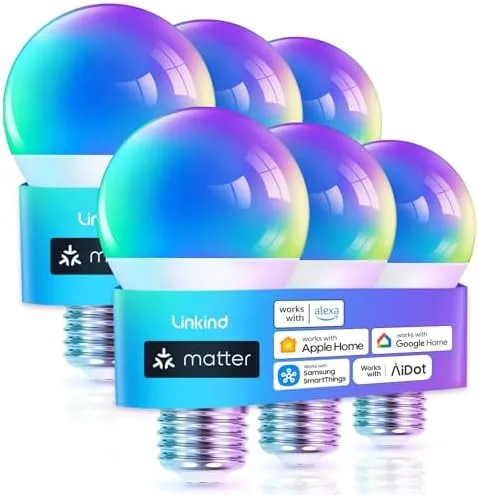
Check whether the bulb uses Matter, a brand app, or a dedicated hub. Confirm the exact support for Apple Home, Alexa, Google Home, or SmartThings.

Shape, base, and output

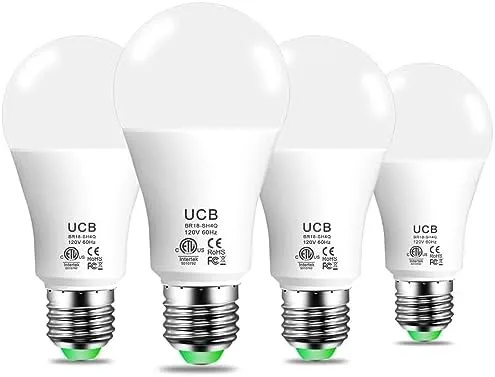
Match the base and bulb shape to the fixture, then compare sourced lumen output. Incandescent-equivalent wattage is not the bulb's actual power draw.

Wall controls

Many smart bulbs need constant power and do not work with traditional dimmer or smart switches. Check the listing before using an existing wall control.

Comparison guides